
Apple iPhone 16 and 16 Plus Review: Small Tweaks, Big Impact on Everyday Efficiency

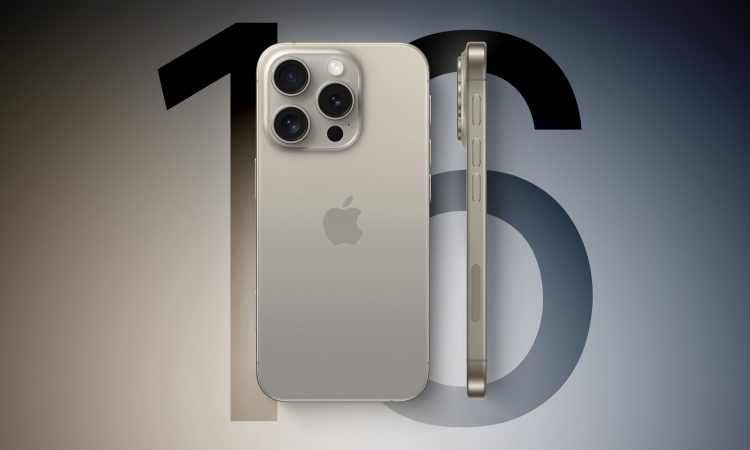
The latest iteration of Apple’s flagship smartphones, the iPhone 16 and iPhone 16 Plus, may not introduce a groundbreaking singular feature, but its nuanced innovations subtly enhance the user experience. From the Camera Control button to the familiar yet dynamic Dynamic Island, these small improvements add up to create a more intuitive, faster, and efficient daily interaction with your device. After spending a week testing the iPhone 16, it’s clear that Apple is refining its approach, not through radical overhauls, but with thoughtful, incremental upgrades designed to make everyday tasks feel smoother.
The Camera Control Button: A New Era for Mobile Photography
The iPhone’s camera has long been one of its standout features, and Apple has just elevated the experience with the introduction of the Camera Control button. While the idea of a dedicated button for the camera might seem simple, its functionality is much more than just an easy launchpad. The Camera Control button serves as both a physical button and a touchpad, offering seamless interaction with the camera in ways that feel natural, intuitive, and innovative.
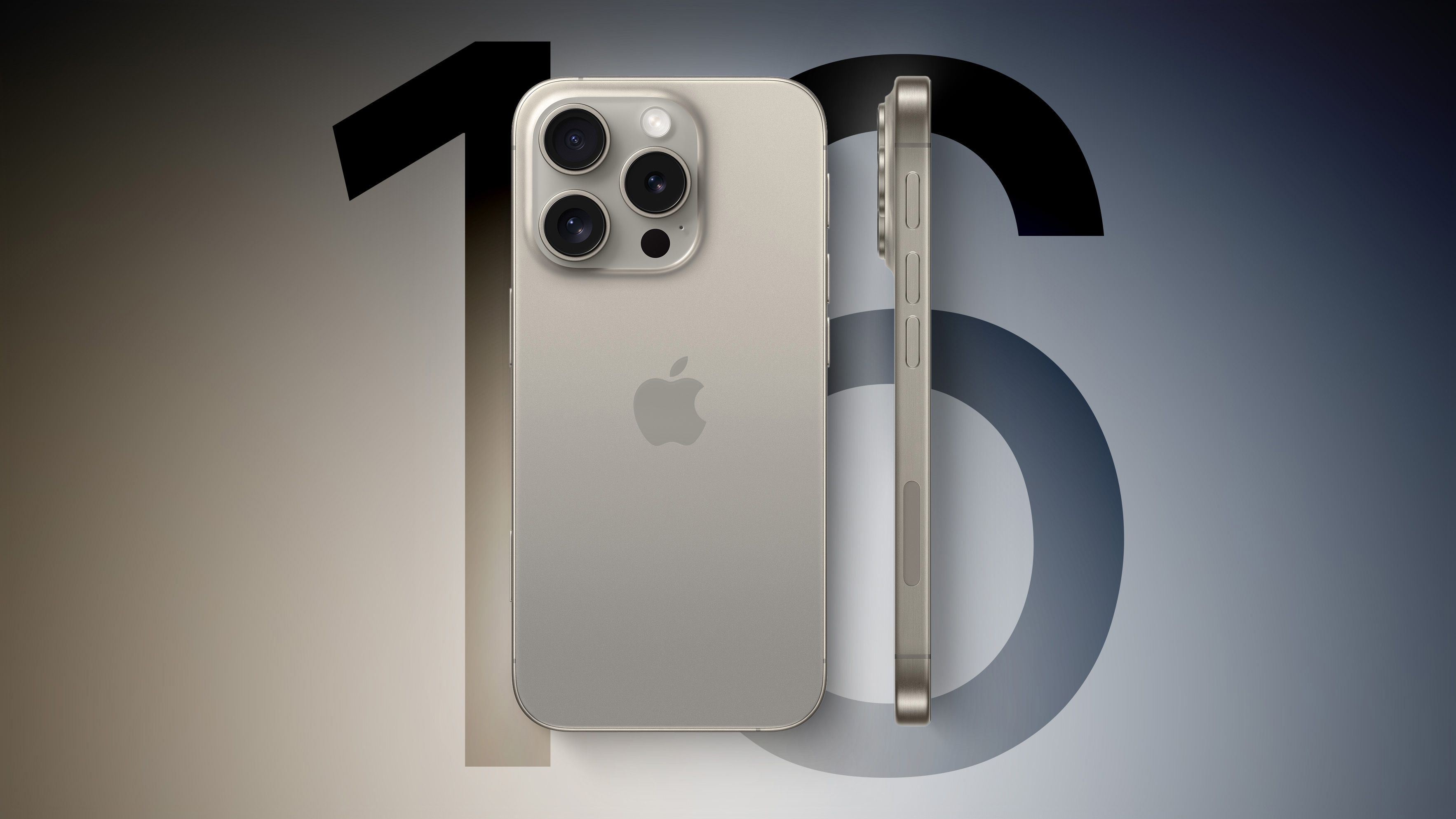
Pressing the button launches the camera app; pressing it again captures a photo, and holding it initiates video recording. But it’s the lighter press that truly sets this button apart, revealing a carousel of shooting modes that users can scroll through with a finger swipe. The modes include options for controlling exposure, depth, zoom, switching between lenses, and adjusting tone or applying photographic styles—essentially creating a mini-interface directly on the button.
At first glance, it might appear to be a simple button, but the flexibility and ease with which you can control camera settings—without obscuring the screen or using your other hand—is a game-changer. It’s like having an entire camera interface built into the button itself, which transforms the way we think about mobile photography. Despite its potential, the Camera Control button requires a slight change in habits, especially for users accustomed to launching the camera via the lock screen. While it may not be a must-have upgrade for those with recent iPhones, for those upgrading from models two to three years old, it certainly offers a significant boost in camera usability.
The Action Button: More than a Shortcut
The Action button, introduced last year with the iPhone 15 Pro, continues its evolution in the iPhone 16 lineup. For those unfamiliar, the Action button allows users to program shortcuts for a range of tasks—launching apps, initiating recordings, activating a flashlight, or even accessing settings with a simple press. This year, its functionality is even more streamlined, offering quick access to essential tasks without fumbling through menus. While some might find it redundant in comparison to voice commands or on-screen gestures, the tactile feedback of the Action button adds another layer of efficiency, especially for tasks you perform often.

The real benefit of the Action button is not just its convenience in everyday tasks, but its role in personalizing the iPhone experience. It’s a customization feature that caters to a wide variety of user needs, whether for photographers, fitness enthusiasts, or anyone who requires quick access to specific actions. The versatility of the Action button contributes to the iPhone’s increasingly efficient interface, where every button and gesture serves a purpose.
Dynamic Island: More Than Just a Display Feature
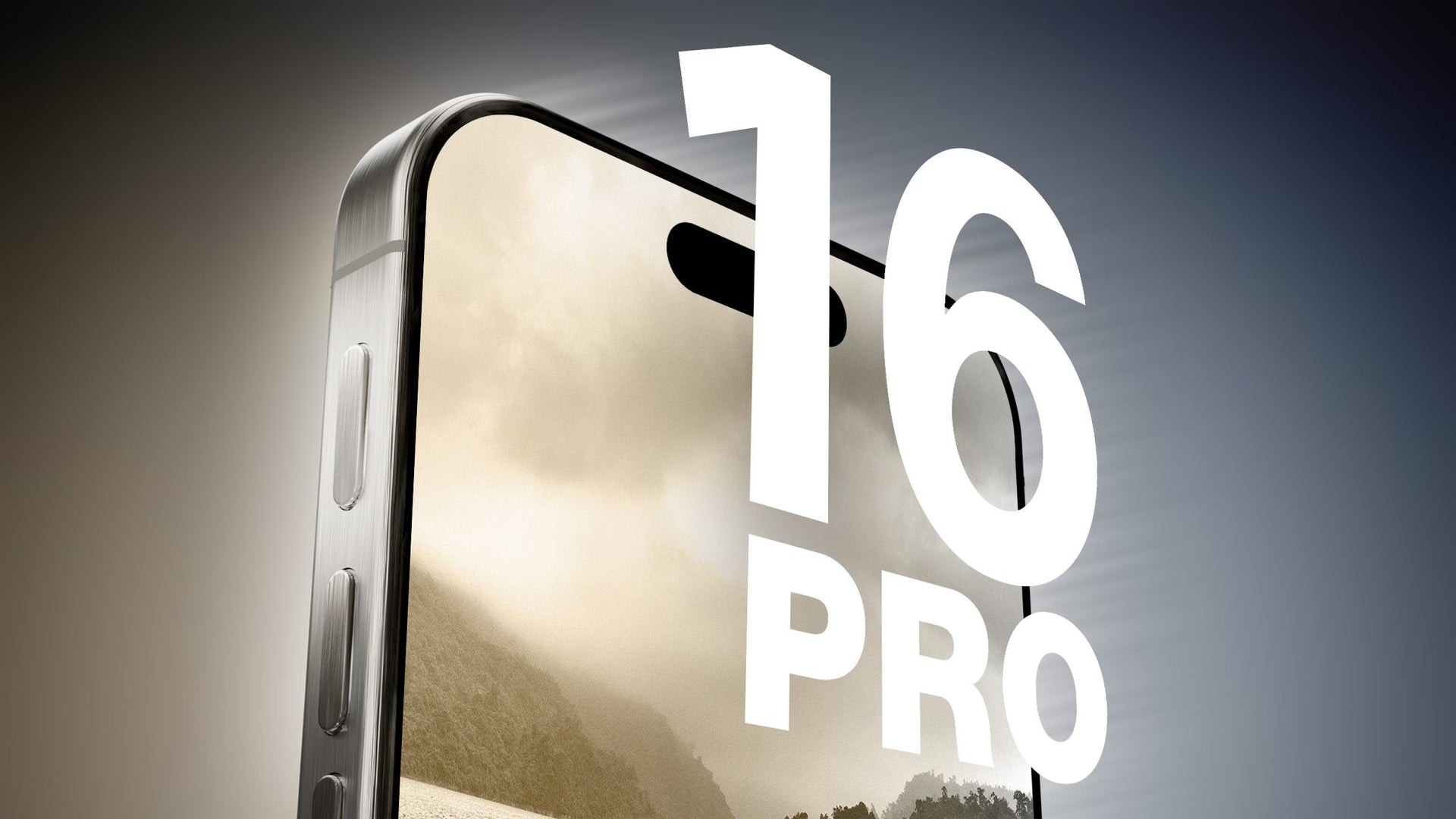
Dynamic Island, first introduced in the iPhone 14 Pro series, continues to evolve with the iPhone 16. The pill-shaped notch that was initially a novel design experiment has now matured into an integral part of the iPhone’s user interface. The Dynamic Island not only provides notifications but actively engages users with a variety of live activities, including ongoing calls, media controls, and real-time updates on sports scores and navigation prompts.

This year, Dynamic Island feels even more integrated into the user experience, with more apps adopting its functionality. As more developers embrace the feature, the iPhone’s interface becomes increasingly customizable, offering a seamless flow between apps, tasks, and notifications. It’s a testament to Apple’s ongoing refinement of the iPhone experience, where aesthetics and functionality converge.
AI and Apple Intelligence: A Sneak Peek into the Future
While Apple Intelligence—the company’s foray into more sophisticated AI-powered features—is still rolling out in stages, the preview of what’s to come is intriguing. With iOS 18, Apple promises a suite of AI-powered enhancements that will make everyday tasks feel more intuitive. For now, the iPhone 16 boasts several early elements of this intelligence, such as predictive notifications and the ability to anticipate what you’re likely to need next based on context. Though it’s not a game-changer yet, it hints at the direction Apple is heading in, and it’s clear that AI is going to play a much larger role in future iPhones.

Battery Life and Performance: Incremental Gains, But Significant Results
One of the most consistent and perhaps underrated features of the iPhone 16 is its battery life. While Apple didn’t drastically increase battery capacity, the integration of more efficient chips and software optimizations ensures that the phone lasts longer than previous models, even during heavy usage. Combined with a slightly more efficient A17 chip (based on last year’s iPhone 15 Pro), the iPhone 16 offers snappy performance across the board—whether gaming, multitasking, or using power-hungry apps.
During my hands-on testing, I noticed that the iPhone 16 maintained its charge longer, even with intensive tasks. This is a subtle, yet impactful, improvement in daily usability, reinforcing the idea that Apple is focused on making small, practical enhancements that improve the user experience over time.

Small Innovations, Big Impact
The iPhone 16 and iPhone 16 Plus are prime examples of Apple’s methodical approach to refining its devices. While there isn’t a single revolutionary feature, the collective upgrades—such as the Camera Control button, Action button, improved Dynamic Island, and AI-powered elements—transform the iPhone into a more efficient and customizable tool for daily use. For those upgrading from an iPhone that’s a few years old, the improvements are noticeable in ways that make everyday tasks feel quicker and more intuitive.
Though Apple hasn’t unveiled a major leap forward with the iPhone 16, the sum of its parts makes this a worthy upgrade for those seeking a more efficient and user-friendly experience. If you’re after a phone that doesn’t just keep up but subtly improves the way you interact with technology, the iPhone 16 may just be the perfect fit.


